




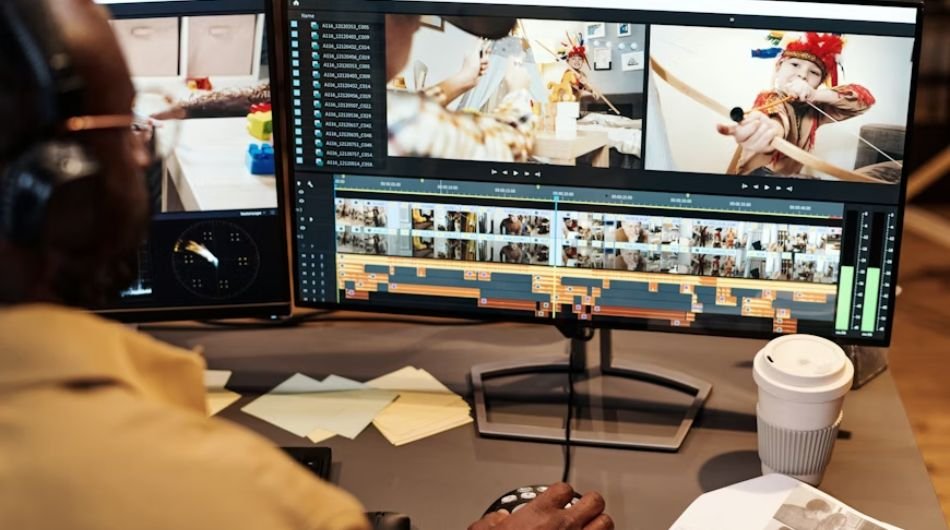
Video editing has rapidly evolved from a niche technical skill into one of the most in-demand creative careers today. With the rise of influencer culture across platforms like Instagram, YouTube, and TikTok, content is no longer restricted to blogs its about crafting visually compelling stories. From reels and vlogs to brand campaigns and cinematic content, creators are constantly looking for ways to stand out, and that’s where video editing plays a crucial role. This shift has opened up exciting opportunities for aspiring creators and editors alike.
But with so many tools available, choosing the right one can feel overwhelming. The “best” video editing tool depends on how well it fits your needs. It should be easy to use, efficient, reliable, and adaptable to different types of content. Whether you’re a beginner experimenting with short-form videos or a professional working on high-end productions, the right software can significantly enhance both your workflow and the final output.
In this guide, we’ll explore some of the best video editing tools that strike the perfect balance between functionality, ease of use, and creative freedom.
- DaVinci Resolve
A professional-grade video editing tool known for its powerful color grading and post-production capabilities, making it ideal for filmmakers and advanced editors.
Key Features:
- Industry-leading color correction tools
- All-in-one platform (editing, VFX, audio, color)
- Advanced timeline and trimming tools
- High-end audio editing with Fairlight
- Free version with extensive features
- CapCut
A free and beginner-friendly editor designed for quick, creative content, especially for social media platforms.
Key Features:
- Easy-to-use interface
- Built-in templates, effects, and transitions
- Auto captions and AI tools
- Music and sound library
- Optimized for short-form content
- Pinnacle Studio 26
Pinnacle Studio 26 offers a balance between simplicity and advanced editing, making it a great choice for users transitioning to more professional work.
Key Features:
- Multi-camera editing
- Motion tracking
- Advanced timeline controls
- 4K and HD video support
- Creative effects and filters
- Kdenlive
Open-source video editor that provides flexibility and powerful features for users who want full control over their editing process free of cost.
Key Features:
- Multi-track video editing
- Customizable interface
- Wide range of effects and transitions
- Cross-platform (Windows, macOS, Linux)
- Proxy editing for smoother performance
- Wondershare Filmora
Known for its simplicity and creative tools, making it perfect for beginners and content creators looking for polished results.
Key Features:
- Drag-and-drop editing
- Built-in effects, templates, and transitions
- AI-powered tools (auto-cut, background removal)
- Large media library
- Easy export for social platforms
- CyberLink PowerDirector
PowerDirector is a fast and feature-rich editor that combines performance with ease of use, suitable for both beginners and experienced users.
Key Features:
- Fast rendering and performance
- Motion tracking and keyframing
- 360-degree video editing
- AI-powered enhancements
- User-friendly interface
| Tool | Best For | Key Strength | Highlight |
| DaVinci Resolve | Professionals | Color grading & all-in-one | Cinematic output |
| CapCut | Beginners | Quick, trendy edits | Best for short videos |
| Pinnacle Studio 26 | Intermediate | Balanced control | No subscription |
| Kdenlive | Open-source users | Flexible & free | Fully customizable |
| Wondershare Filmora | Beginners | Templates & ease | Drag-and-drop |
| CyberLink PowerDirector | Beginner–Intermediate | Fast & AI-powered | High-speed editing |